

01
Produce more.
See where your operation slows down.
- Bottlenecks & dock delays
- Idle time & process gaps
- Dwell & throughput signals
VIDEO INTELLIGENCE FOR BUSINESS
Use your existing cameras to shorten queues, clear dock delays and understand store traffic. Give your team useful alerts and evidence to act on.
Existing cameras. Defined purpose. Human-reviewed decisions.
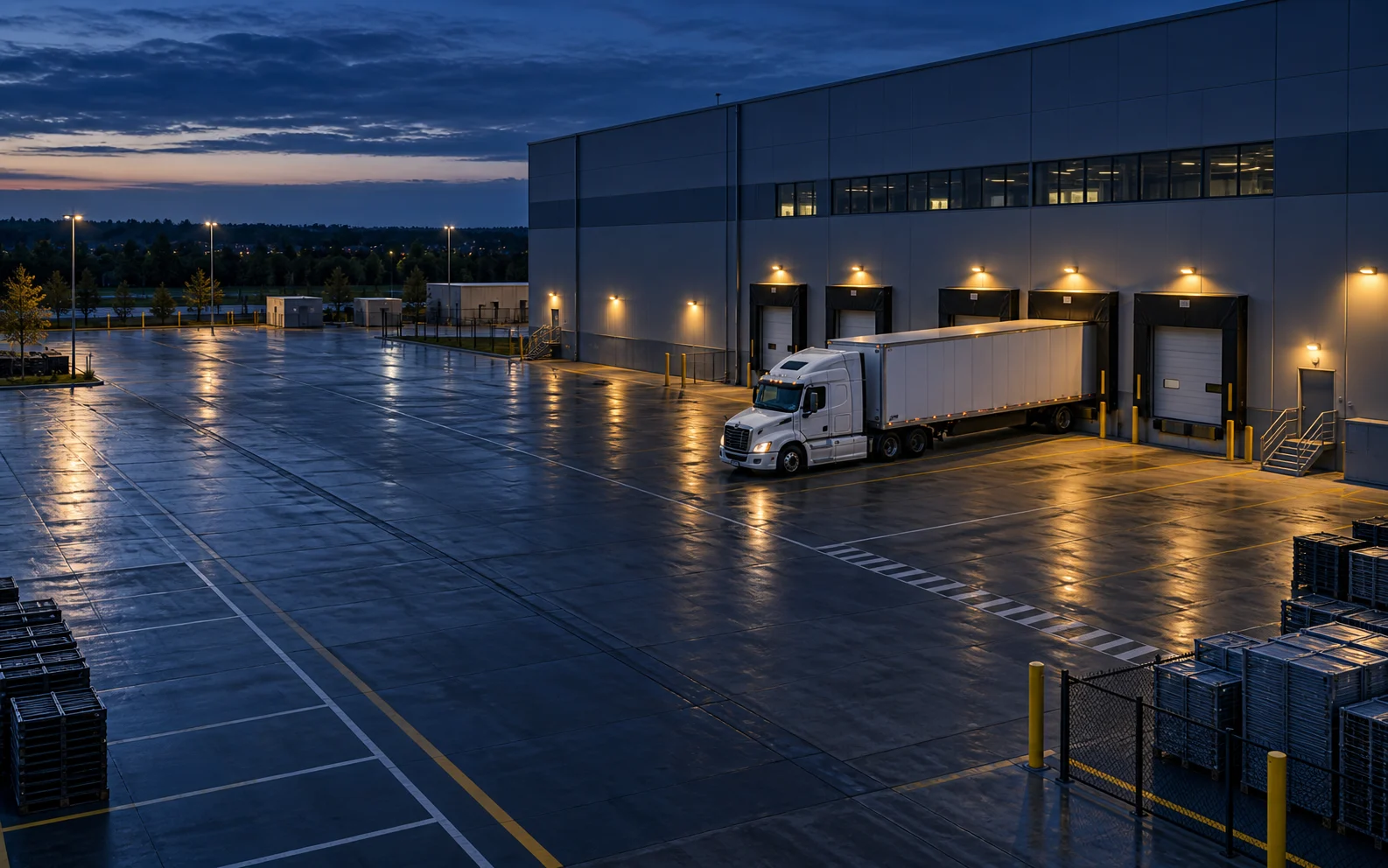 Warehousing & logistics
Illustrative AI-generated scenes · Human verification required
Works with the cameras &
systems you already run
01 / A DIFFERENT WAY TO SEE
Nobody can watch every feed. Too often, footage only gets reviewed after something goes wrong.
iOn turns passive video into a live operating signal, surfacing what a human needs to act on.
FOUR WAYS TO PUT YOUR CAMERAS TO WORK
01 — 04See where your operation slows down.
Turn suspicious activity into reviewable evidence.
Surface risks while your team can respond.
Know the vehicles moving through your site.
02 / HOW IT WORKS
iOn is the intelligence layer on top of your existing cameras. AI does the watching and organizing. Your team stays in control.
The cameras you own.
Securely bring feeds in.
Detect and index activity.
Connect relevant events.
Surface evidence and alerts.
A human makes the call.
03 / ONE PLATFORM. MANY WORLDS.
The same platform, configured for your world — pick your industry.
18 industries. Choose a use case to explore.
OPERATIONS / YARD & DOCK
From the gate to the loading dock, turn everyday footage into a clearer view of your operation.
A late departure can start with a loading delay nobody saw.
Correlate truck arrival, dock activity and configured dwell events into a reviewable timeline.
The supervisor checks the dock footage, resolves the loading hold and compares turnaround against the pilot baseline.
Loading activity flagged for review
Dock dwell · Yard turnaround · Near-miss review
RETAIL / STORE OPERATIONS
Give store teams useful signals for loss prevention, staffing and a safer customer experience.
Loss, long queues and back-office incidents leave store teams searching through hours of video.
Surface queue, access and suspected loss events with the source footage attached.
A manager verifies the event, adjusts staffing or preserves evidence; a detection alone never establishes theft.
Queue activity flagged for review
Footage review time · Queue duration · Shrink
MANUFACTURING / FLOOR
Understand production flow and safety conditions using cameras already on the floor.
Short stoppages and unsafe zone entries can be missed between floor checks.
Index visible idle periods, PPE candidates and zone crossings against the relevant camera and time.
A supervisor verifies the scene, investigates the interruption and records the corrective action.
Process interruption flagged for review
Idle time · Line stoppages · Safety review
CAMPUS / ACCESS
Connect entries, parking and shared spaces so facilities and security teams work from the same context.
Entries, visitor vehicles and after-hours activity are often reviewed in separate systems.
Bring vehicle logs, entry candidates and occupancy signals into one site view.
The facilities or security team verifies access context and decides whether follow-up is needed.
Entry activity flagged for review
Entry review · Occupancy · Incident response
PROPERTY / ACCESS
Make gates, parking and common areas easier to manage across your property portfolio.
Property teams juggle gates, visitor records and camera issues across buildings.
Connect ANPR, configured visitor permits, common-area alerts and camera-health signals.
An operator checks authorization, reviews the relevant footage and resolves the gate or property issue.
Vehicle arrival flagged for review
Gate throughput · Parking review · Camera health
ESTATE / PERIMETER
Private, phone-first alerts for the people and vehicles moving around your property.
An alert about any movement says little about what actually needs attention.
Use configured zones and vehicle candidates to attach relevant context to private alerts.
The owner reviews footage before deciding to allow access or contact their security provider.
Gate arrival flagged for review
Alert relevance · Review time · Gate activity
HOSPITALITY / OPERATIONS
Connect guest areas and back-of-house operations with useful video signals.
Valet delays, lobby queues and back-of-house incidents compete for attention.
Highlight vehicle movement, queue activity and restricted-area candidates with linked footage.
The duty manager verifies the event, adjusts coverage or preserves incident evidence.
Lobby activity flagged for review
Valet flow · Queue duration · Incident review
HEALTHCARE / FACILITIES
Support access, movement and incident review across your hospital or healthcare facility.
Restricted areas and ambulance access need timely attention across a busy facility.
Surface configured access and vehicle-zone events with source footage for the authorized team.
Facilities staff verify the context and coordinate an operational response.
Restricted-area activity flagged for review
Access review · Lane availability · Response time
Operational and security support only; no diagnosis, patient-condition inference or clinical decisions.
Product illustration · No live dataEDUCATION / CAMPUS
Help your safety office review vehicle, entry and perimeter activity with the evidence in reach.
Gates, perimeters and after-hours areas can overwhelm a small safety team.
Collect vehicle logs and configured access or crowd candidates in one review queue.
The safety office checks the footage and follows its incident procedures.
Perimeter activity flagged for review
Gate throughput · Alert review · Response time
Configure use for the site’s lawful purpose; the platform does not make student disciplinary decisions.
Product illustration · No live dataBANKING / BRANCH
Bring branch access, incident evidence and camera health into one operating view.
Branch teams need to retrieve access and incident footage without a long manual search.
Index vestibule activity, after-hours access and vehicle candidates across branches.
Authorized staff verify events, preserve footage and follow the branch response procedure.
Vestibule activity flagged for review
Evidence retrieval · Access review · Camera health
CONSTRUCTION / SITE
Configure zones and alerts around your current work areas, plant and perimeter.
Changing work zones and unattended materials create gaps in site visibility.
Reconfigure zones as the site changes, then connect PPE, vehicle and after-hours event candidates.
The site supervisor verifies the event, adjusts the work area or secures incident evidence.
Zone activity flagged for review
Vehicle logs · After-hours review · Safety events
AGRICULTURE / FARM OPERATIONS
Bring gates, equipment yards and storage areas into one view, using cameras with suitable coverage.
Spread-out gates, stores and equipment yards make vehicle movement and incidents hard to reconstruct.
Use ANPR, zone alerts and indexed loading activity to connect the visible events.
A manager verifies the vehicle or yard event, checks permissions and reviews loading delays.
Equipment-yard activity flagged for review
Vehicle log completeness · Loading dwell · Evidence review time
No crop-health, animal-health or yield inference is claimed; use cases depend on visible camera coverage.
Product illustration · No live dataENERGY / SITE ACCESS
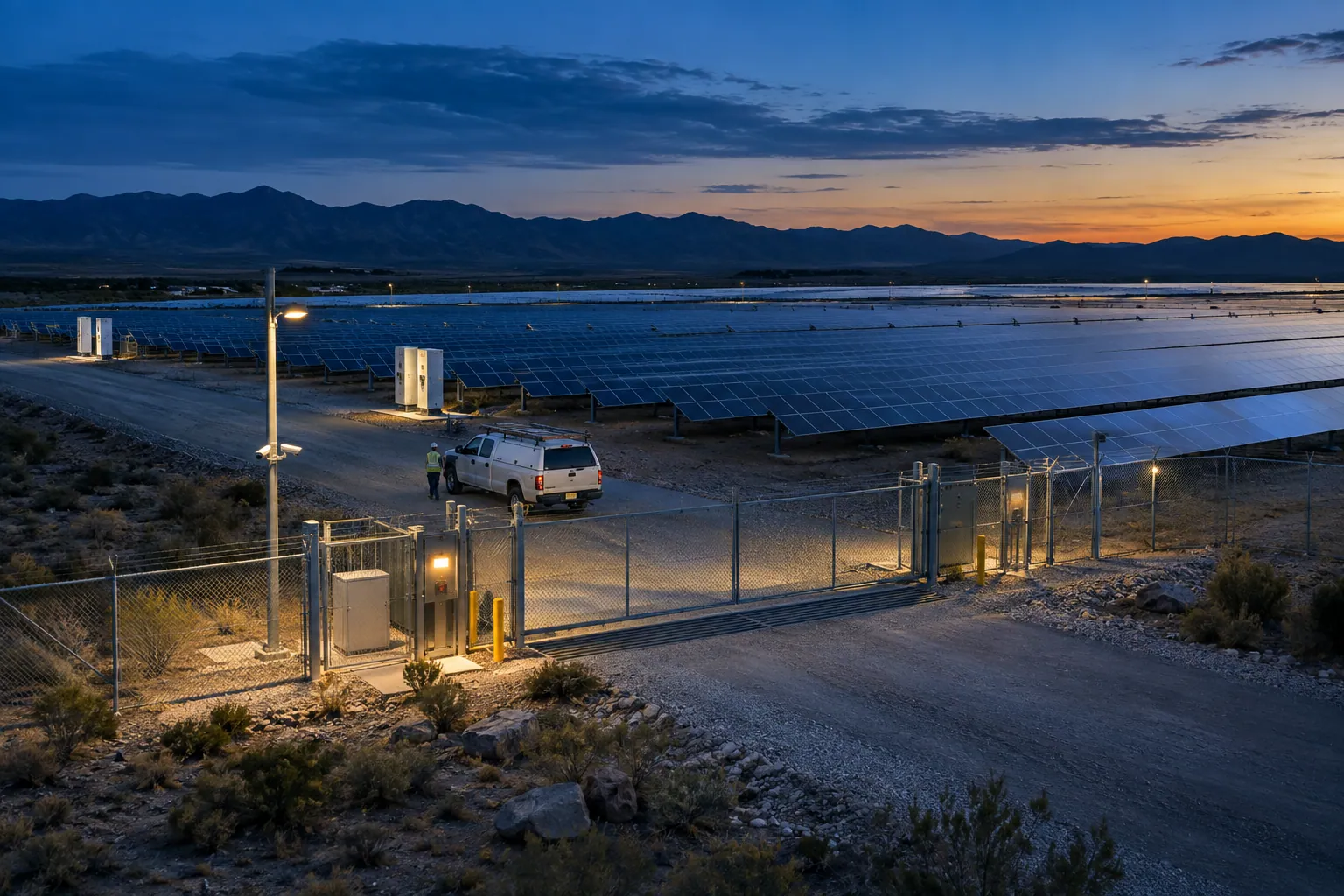
Connect perimeter, access and work-zone video across substations, renewable sites and service compounds.
Remote compounds and contractor visits are difficult to supervise consistently.
Combine gate logs, perimeter candidates and restricted-zone footage in a multi-site review view.
Authorized staff check the evidence and dispatch the appropriate site response.
Work-zone entry flagged for verification
Access review time · Incident response · Camera availability
Supports visible operational events; it is not a substitute for electrical protection, process sensors or emergency systems.
Product illustration · No live dataPORTS / FREIGHT FLOW
Connect vehicle arrivals, loading activity and zone events across busy freight sites.
Truck queues and loading delays can become invisible once a vehicle enters the yard.
Connect gate ANPR, zone timestamps and loading-area dwell into a vehicle-event timeline.
A yard operator verifies the bottleneck and coordinates the next move.
Vehicle dwell flagged for operations review
Gate queue duration · Yard turnaround · Loading dwell
No customs clearance, container-content recognition or guaranteed plate reading is claimed.
Product illustration · No live dataAUTOMOTIVE / SERVICE FLOW
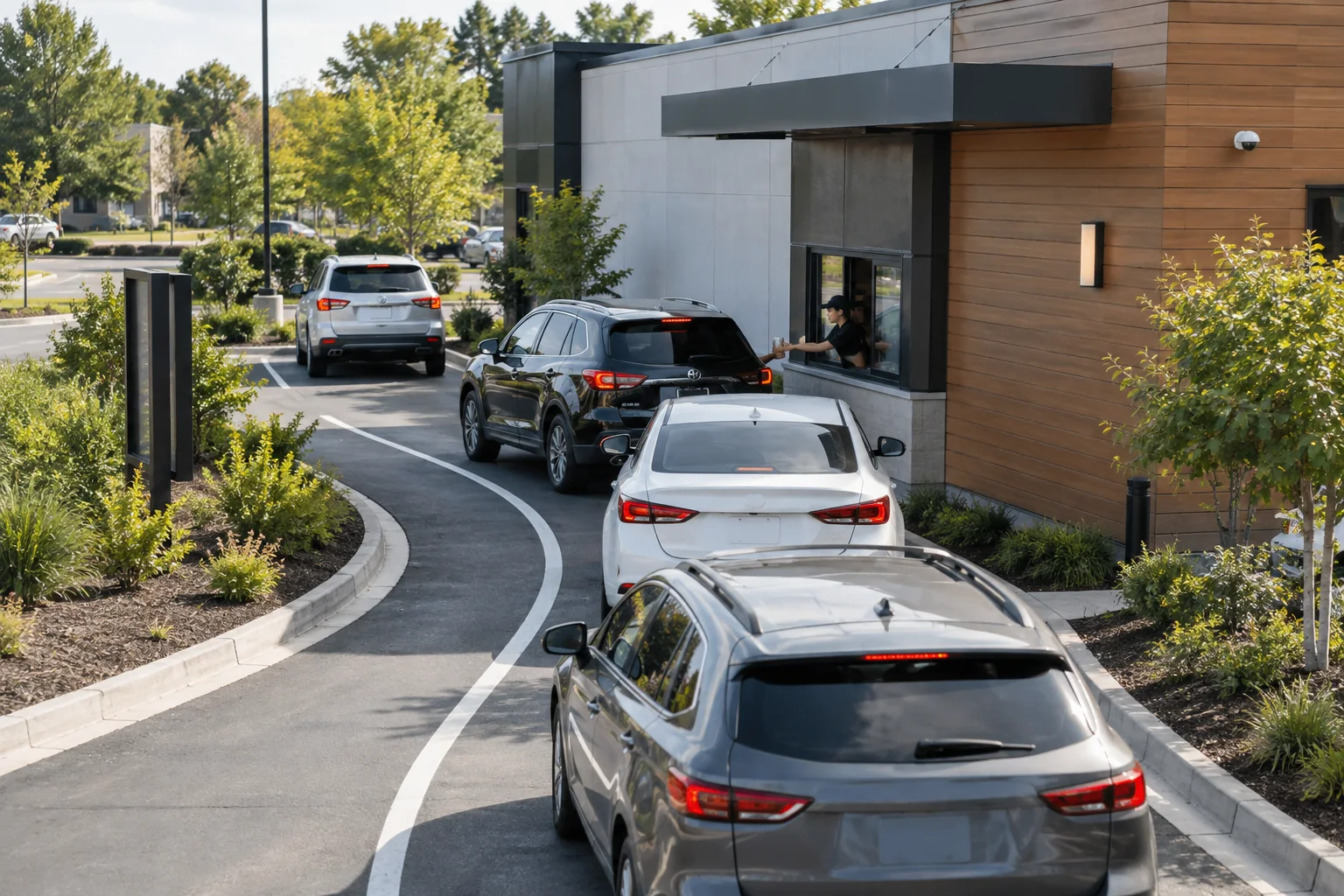
Use existing forecourt, gate and service-area cameras to connect vehicle movement with operational context.
Service teams can lose track of where a vehicle waited and how long a bay stayed idle.
Link arrival records, configured bay activity and departure footage for review.
The service manager checks the timeline and adjusts the work queue or investigates an incident.
Bay activity flagged for operator review
Bay dwell · Queue duration · Footage retrieval time
Does not diagnose mechanical faults or make automated damage or liability findings.
Product illustration · No live dataFOOD SERVICE / DAILY OPERATIONS
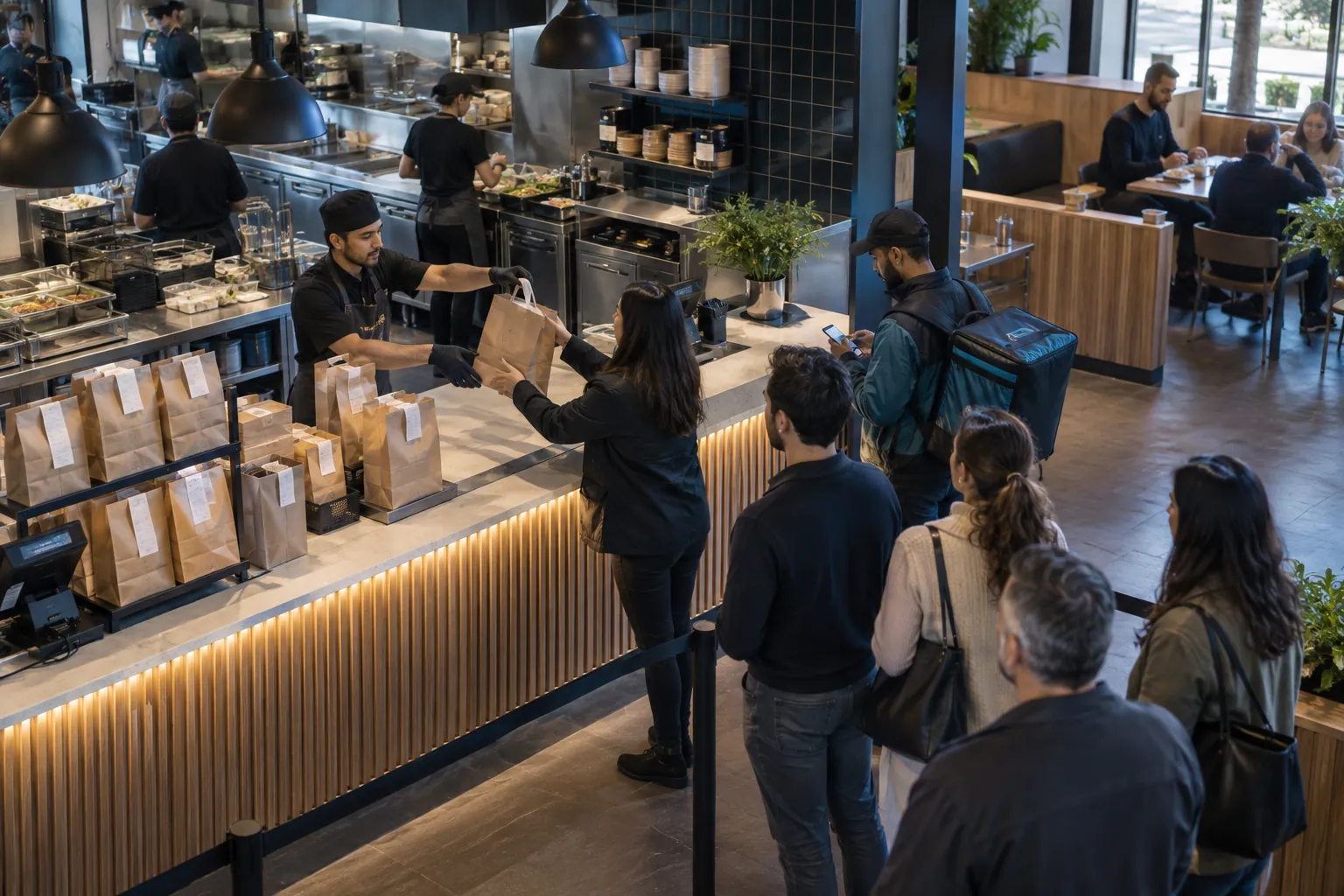
Give operators useful signals across customer queues, pickup areas and back-of-house access.
Customer queues and delivery handoffs slow down before the shift manager notices.
Use queue, dwell and access signals to surface the relevant moments from existing feeds.
The manager verifies demand, reallocates staff or reviews a handoff incident.
Pickup activity flagged for supervisor review
Queue duration · Pickup dwell · Incident review time
No food-safety certification, temperature measurement or contamination detection is claimed.
Product illustration · No live dataDATA CENTERS / PHYSICAL ACCESS
Bring secure-entry, loading-area and perimeter footage together for facilities and security teams.
A badge record alone does not explain the physical activity around a secure entry.
Attach entry, zone and vehicle candidates to source footage and an event timeline.
Security staff verify access authorization and investigate the evidence.
Secure-entry activity flagged for verification
Access-event review · Evidence retrieval · Camera health
Physical-site visibility only; no cyber-intrusion detection or automatic access-entitlement decisions.
Product illustration · No live dataPUBLIC SAFETY / REVIEW
iOn also powers police & public-safety deployments — vehicle trace across cameras, watchlist alerts, evidence and dispatch.
Relevant vehicle and incident footage can be scattered across camera locations.
Bring permitted vehicle candidates and source evidence into an operator review workflow.
An authorized human verifies candidates and determines any consequential response under applicable procedures.
Vehicle candidate flagged for verification
Evidence retrieval · Alert review · Dispatch context
OPERATIONS / YARD & DOCK
From the gate to the loading dock, turn everyday footage into a clearer view of your operation.
A late departure can start with a loading delay nobody saw.
Correlate truck arrival, dock activity and configured dwell events into a reviewable timeline.
The supervisor checks the dock footage, resolves the loading hold and compares turnaround against the pilot baseline.
Loading activity flagged for review
Dock dwell · Yard turnaround · Near-miss review
Use cases combine iOn’s core building blocks: detection, ANPR, zones & watchlists, analytics, alerts and evidence. Industry-specific detectors are enabled per deployment.
If you run cameras, iOn has a use case for you — and it grows as you do.
Find your use caseCASE STUDIES / PROPOSED DEPLOYMENTS
Business problems, video-intelligence workflows and pilot plans. Clearly labeled illustrations, with no customer results implied.
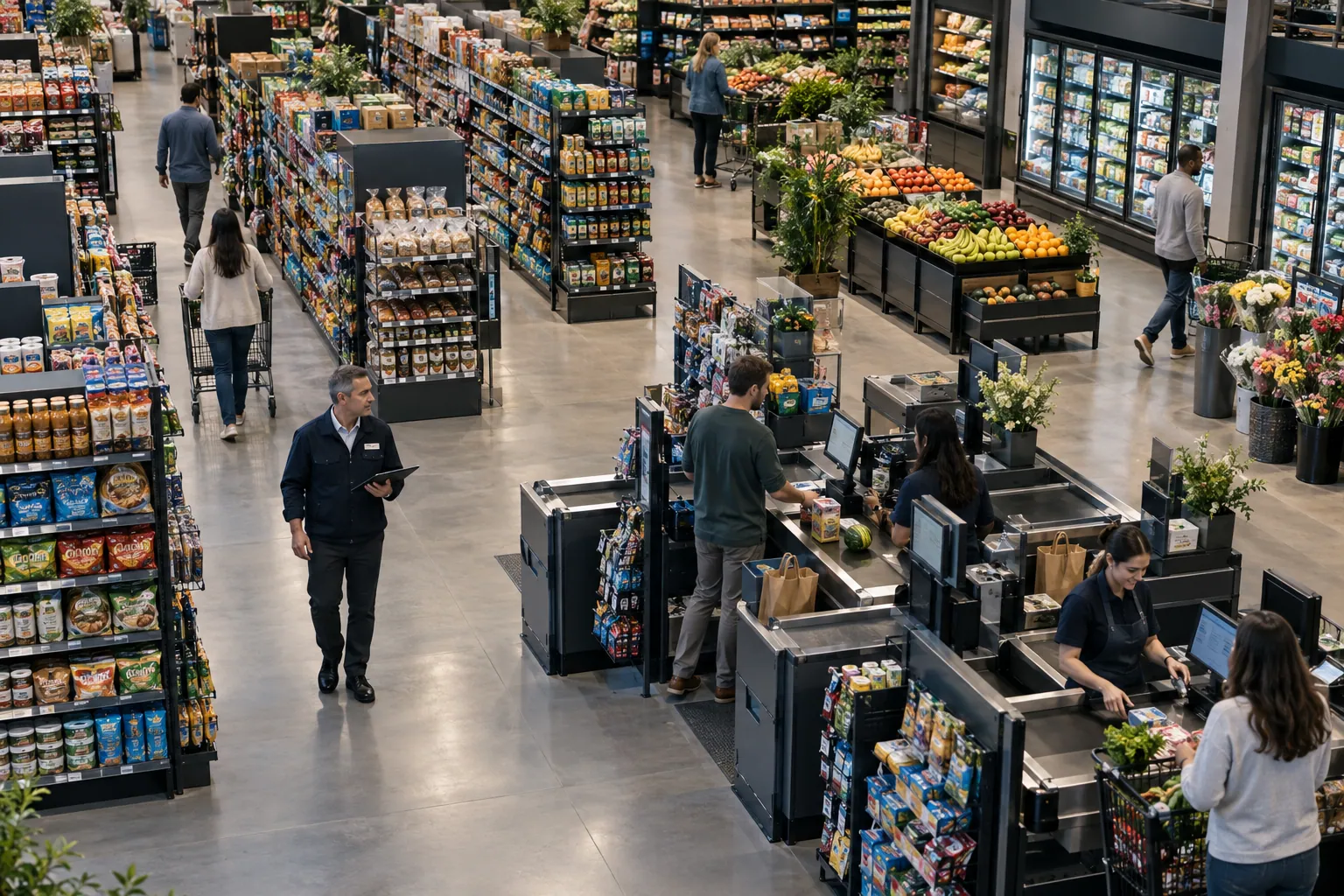
Explore all case studies01 / Warehousing & logisticsPRODUCE MORE
How gate and dock cameras could help an operations team understand loading delays and truck turnaround.
 02 / Retail & chains
LOSE LESS
How existing store cameras could make access and suspected loss events easier for authorized managers to investigate.
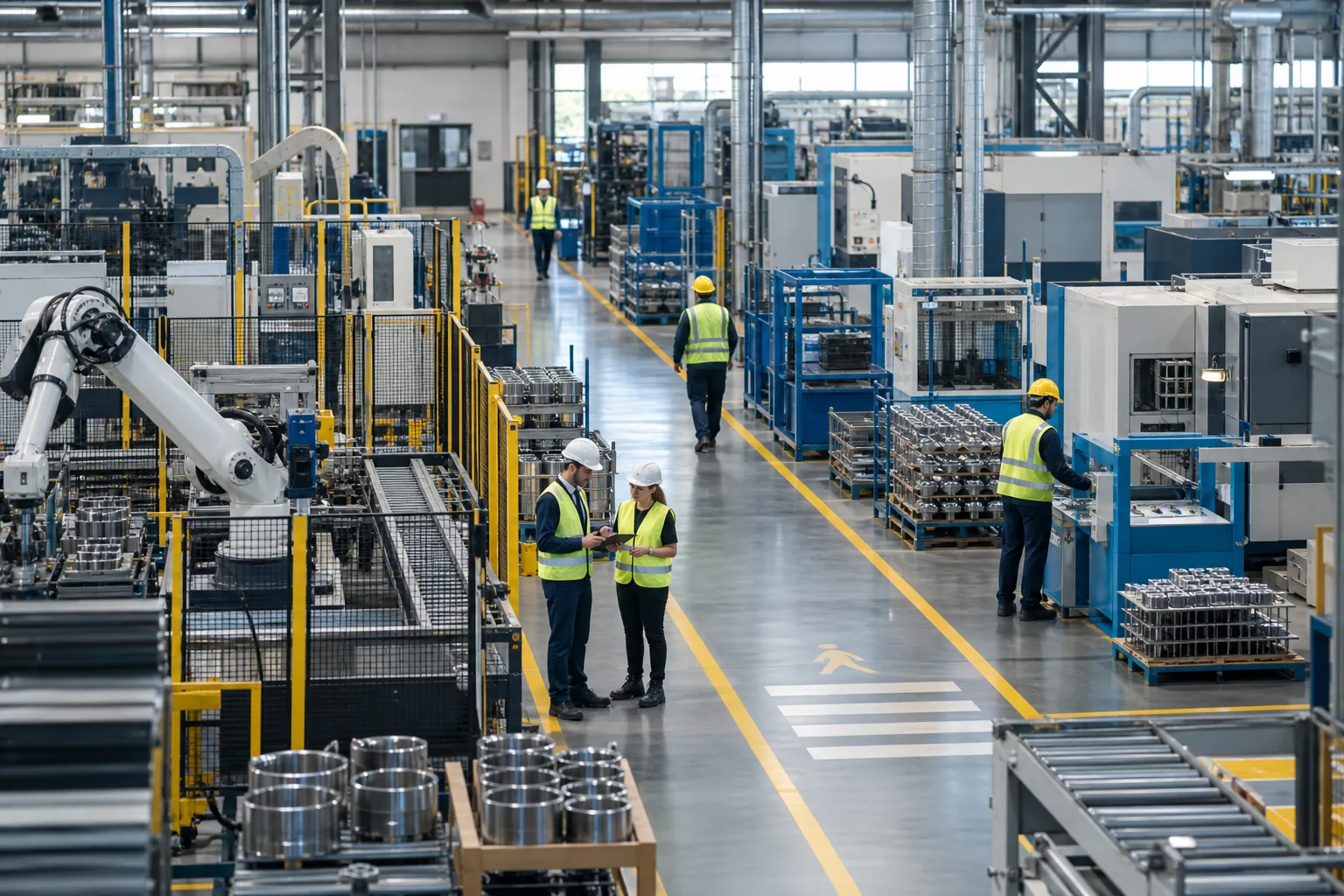 03 / Manufacturing
STAY SAFE
How existing floor cameras could surface PPE and restricted-zone candidates for supervisor verification.
04 / THE INTELLIGENCE TOOLKIT
Connected building blocks. Practical use cases. Evidence within reach.
Connect arrivals, departures and the evidence between them. Use plate candidates and vehicle descriptions to support gates, yards, parking and fleets.
Warehousing & logisticsIllustrative AI-generated scenes · Human verification required
Reads where the camera allows. Describes the vehicle otherwise. Never fabricates a reading.
Bring the moments that need attention to your team: PPE, restricted zones, spills, obstructions and intrusions.
Move from a vague concern to footage your team can review. Connect activity, events and evidence for a clear account of what happened.
Use video as an operations sensor. Understand the delays, idle periods and process gaps that disappear between reports.
COMMAND CENTER
One screen for the context your team needs: a live map, camera wall, alert queue, timeline and searchable events.
See the platform Product illustration · No live dataDOCK VIEW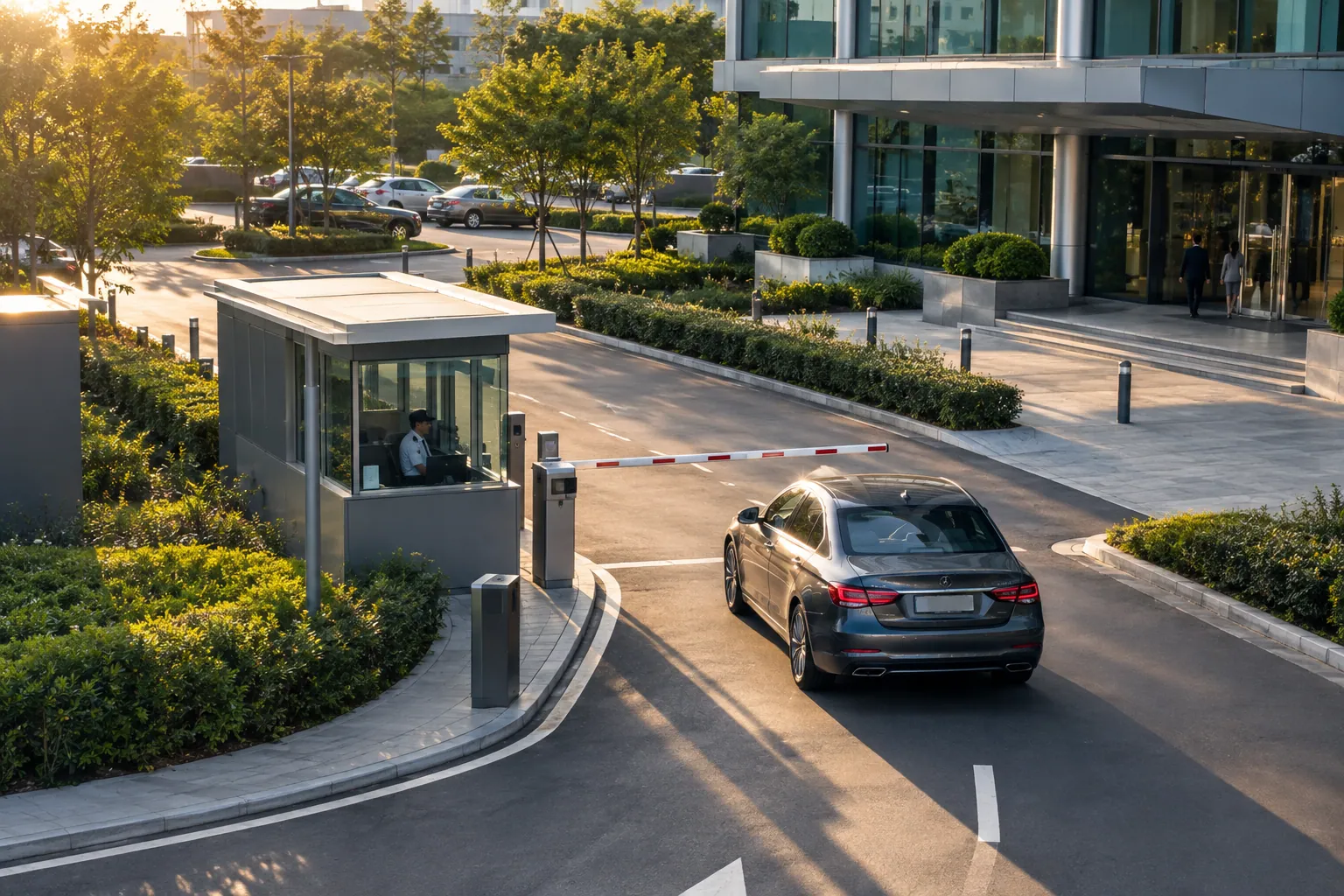 GATE VIEW
Search indexed events
05 / THE PLATFORM
Connect existing CCTV and VMS through RTSP, ONVIF and supported vendor APIs. Configure modules per industry and per site.
CCTV · IP · NVR · VMS
On-premises or Cloud
Human-led decisions
Make more of what is already there.
Build on the infrastructure you already own. No rip-and-replace.
Confidence, candidate status and source footage support operator review.
Events, evidence and audit trails help explain what happened.
One platform, configured for each industry, site and workflow.
On-premises deployment can keep your footage on site.
Validate a use case in a pilot, then extend to more cameras and sites.
06 / SECURITY, PRIVACY & GOVERNANCE
Start with a lawful, specific purpose: a shorter queue, a safer loading area or better vehicle flow. Scope the cameras, data, access and retention needed for that purpose, and verify the controls below before deployment.
Define who can view footage, review alerts and export evidence.
Maintain a record of access and actions for accountable review.
Preserve the integrity of evidence through controlled handling.
Keep footage within your site when your requirements call for it.
Set a clear purpose, appropriate zones and retention rules.
A person verifies consequential actions. A candidate is a prompt to review.
These controls must be scoped and verified for your deployment. Footage, plates and event records can identify people. Data is not assumed anonymous, and retention is agreed per deployment. AI alerts remain subject to human review. Read our data-handling scope.
07 / START WITH EVIDENCE
Start with a 7-day measurable pilot. Agree the baseline, select the cameras and use cases, and evaluate the change with your team.
Start a measurable pilotCan review move from hours toward minutes?
Track loss and the evidence available to investigate it.
Compare loading delays, idle periods and flow.
Measure vehicle processing and entry/exit visibility.
Track time from a relevant alert to human review.
Measurement targets, not claimed customer results.
08 / PILOT-FIRST. BUILT TO GROW.
Published Pilot and Business plans in USD and GBP. Agree the use cases and deployment requirements before committing.
Seven-day free trial; no automatic paid conversion. Setup and subscription are charged only after you accept the paid order.








VALIDATE A USE CASE
Start with one operational workflow at one location.
Up to 15 cameras · 1 site
One-time setup for your included site.
CONNECT YOUR OPERATION
Bring multiple workflows and locations into one operating view.
Up to 40 cameras total · Up to 3 sites
One setup fee covers all 3 sites together. No extra setup fee per site.
FIT YOUR REQUIREMENTS
Plan a larger deployment or specialist integration around your organization.
Larger camera and site requirements
Setup, subscription and delivery scope agreed in writing.
Monthly prices cover the included camera and site capacity together. “From” allows for additional agreed modules, capacity, integrations or infrastructure. Any applicable taxes and additional charges are itemized before acceptance. No automatic paid conversion and no payment collected on this website. Trial, cancellation and refund terms.
View pricing scope & common questions09 / THE PEOPLE BEHIND THE PLATFORM
iOn Intelligence is by Sodlan Tech. Our mission is to make existing visual infrastructure useful, responsibly — connecting what cameras see to what people need to understand.
One platform, configured for the business. Clear evidence, practical context, and a human at the point of decision.
LEADERSHIP
Owner & Founder, iOn Intelligence
Darin Monay Irwin is the owner and founder of iOn Intelligence.
Contact iOn i-on Intel LLC · Registered company10 / GOOD QUESTIONS
Discuss your cameras, your sites and what you want to understand.
[email protected]No. iOn is a software video-intelligence platform that connects the CCTV, IP cameras, NVRs and VMS you already own. A pilot checks the feeds and coverage you have before defining which use cases they can support.
iOn connects through RTSP, ONVIF and supported vendor APIs. It works with systems including Hikvision, Dahua and most NVRs/VMS. Compatibility depends on the model, firmware, stream access and network setup, so your specific configuration is verified during scoping.
iOn can run on-premises or in the cloud. An on-premises deployment can keep footage on your site. Storage, retention, access and evidence export are defined for your deployment before it begins.
Start with a lawful, specific purpose and limit camera coverage, data, access and retention to that purpose. On-premises deployment, role-based access and audit trails are scoped for each site. Customers must have authority to connect their feeds and respect the privacy rights of people in view. Controls must be verified before use.
Not automatically. Footage, plates, time-stamped events and tracking identifiers can identify people or be linked back to them. Any anonymous or metadata-only configuration needs documented validation. Frame handling, evidence retention and deletion are agreed per deployment; instant deletion is not a platform-wide promise.
No. AI detects, indexes, correlates and alerts. Results carry confidence and candidate status. A human verifies consequential actions; alerts and watchlist candidates are not automatic findings of wrongdoing.
Timing depends on feed access, your network, site coverage, integrations and selected use cases. Start with a scoped 7-day measurable pilot. We agree the rollout plan after reviewing your cameras and requirements; no fixed installation time is promised.
iOn reads where the camera allows. Lighting, angle, resolution and motion affect detection. If a plate is unreadable, the system describes the vehicle where possible, flags uncertainty and never fabricates a reading. An operator verifies candidates before acting.
Yes. iOn is one platform configured per industry and site. Start with selected cameras and measurable use cases, then expand across sites with dashboards, alerts, reports and evidence. Pilot and Business plans have published starting prices in USD and GBP; Enterprise and additional scope are quoted separately.
LET’S CONNECT
Book a demo or start a measurable pilot. Tell us what you run and what you want to improve.
[email protected]